在es中数据类型为date:
"addTime": {
  "format": "yyyy-MM-dd HH:mm:ss",
  "type": "date"
}
在hive建映射表
CREATE EXTERNAL TABLE hive_es.cty_test1(
addTime date
)
STORED BY 'org.elasticsearch.hadoop.hive.EsStorageHandler'
TBLPROPERTIES('es.resource' = 'cty_test/cty_test',
'es.nodes'='172.16.98.113,172.16.98.149,172.16.98.150,172.16.98.151,172.16.98.152',
'es.port'='9200',
'es.mapping.names'= 'addTime:addTime',
'es.date.format'='yyyy-MM-dd HH:mm:ss',
'es.index.auto.create'='false',
)
查询报错:
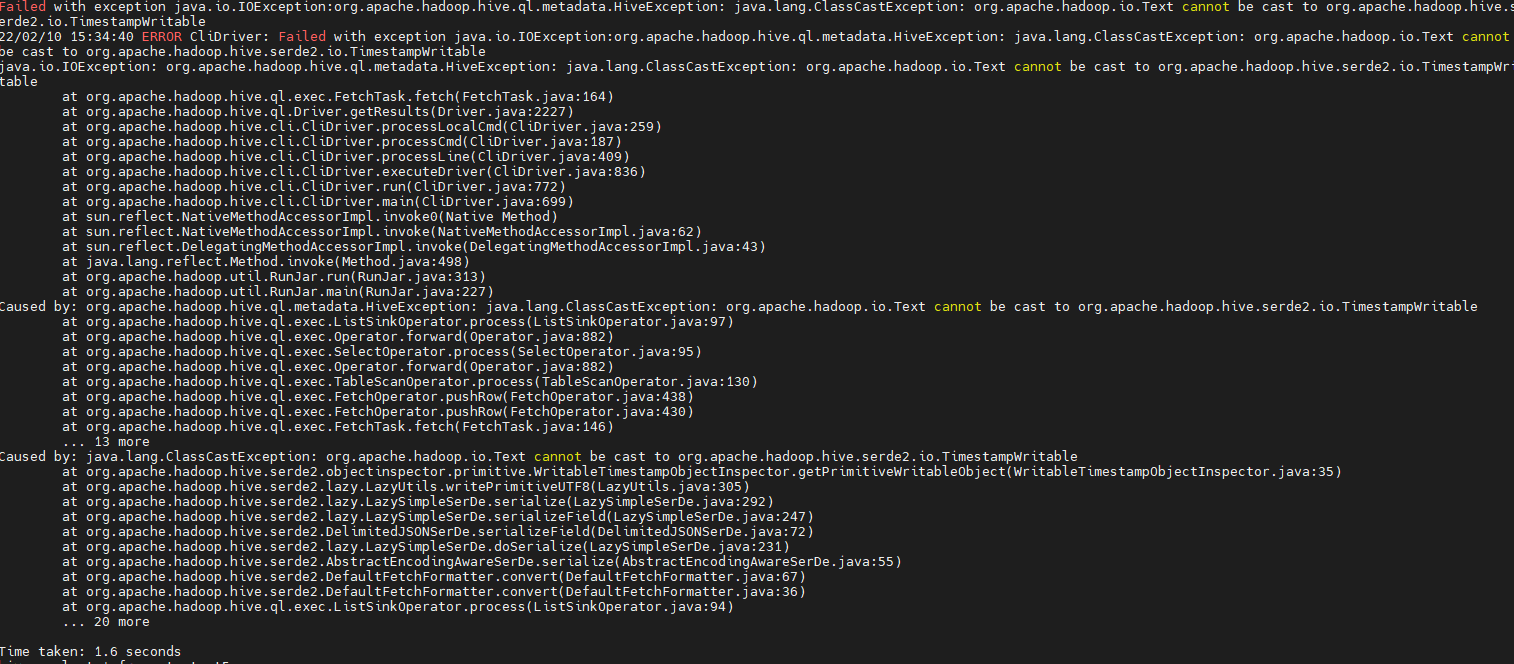
更改hive表数据类型为string
CREATE EXTERNAL TABLE hive_es.cty_test5(
addTime string
)
STORED BY 'org.elasticsearch.hadoop.hive.EsStorageHandler'
TBLPROPERTIES('es.resource' = 'cty_test/cty_test',
'es.nodes'='172.16.98.113,172.16.98.149,172.16.98.150,172.16.98.151,172.16.98.152',
'es.port'='9200',
'es.mapping.names'= 'addTime:addTime',
'es.date.format'='yyyy-MM-dd HH:mm:ss',
'es.index.auto.create'='false',
)
查询继续报错:
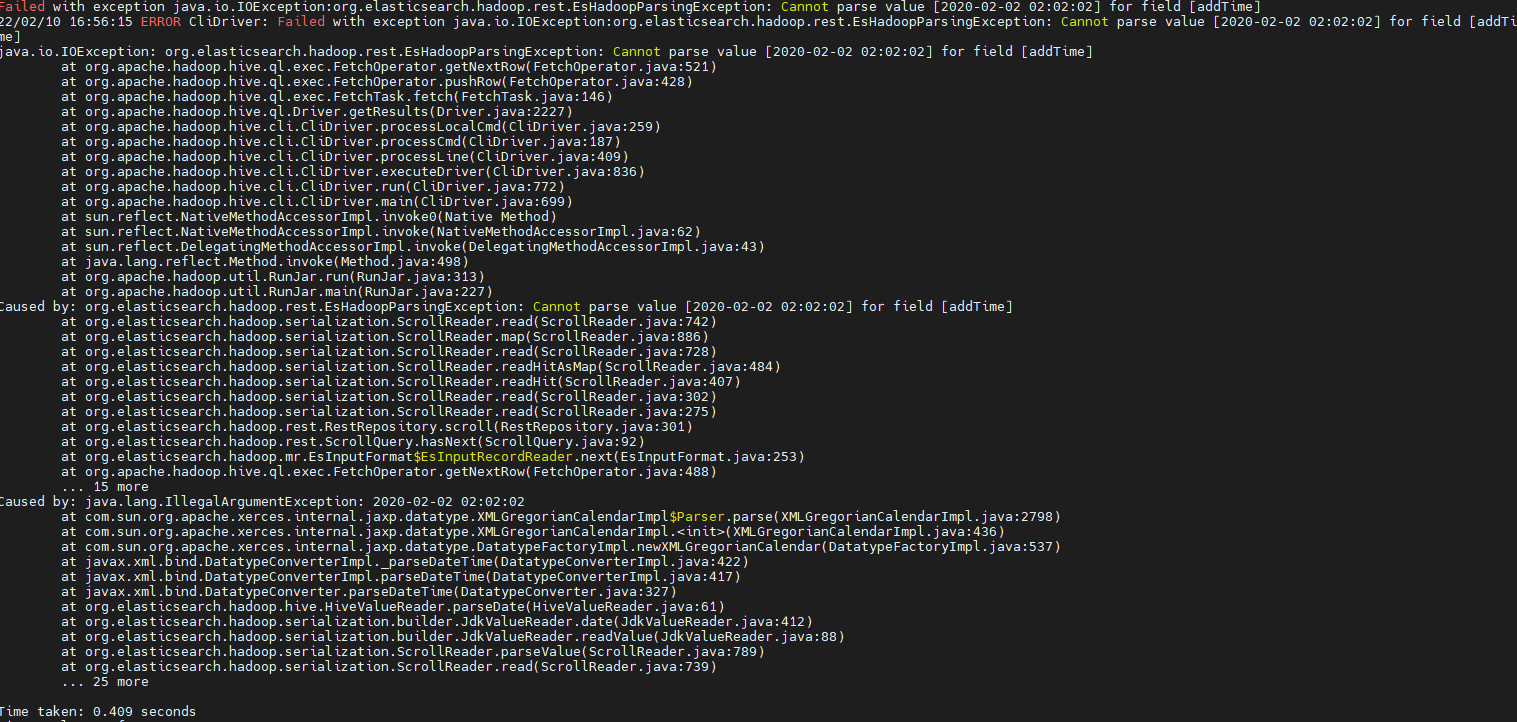
查阅资料:
elasticsearch-hadoop中用于将ES中的日期转换为Hive中的日期格式的类为org.elasticsearch.hadoop.hive.HiveValueReader,通过查看该类的源码,其实现的用户日期转换的方法为:
@Override
protected Object parseDate(String value, boolean richDate) {
	return (richDate ? new TimestampWritable(new Timestamp(DatatypeConverter.parseDateTime(value).getTimeInMillis())) : parseString(value));
}
可以看到它是通过javax.xml.bind.DatatypeConverter.parseDateTime(String)方法将对应的日期字符串转换为日期的,该方法不支持的日期字符串格式为“yyyy-MM-dd HH:mm:ss”的字符串,它支持的日期字符串的格式为“yyyy-MM-ddTHH:mm:ss”这样的。
解决方案:
在建表时设置参数’es.mapping.date.rich’=‘false’,然后hive字段类型设为string。
官方解释:
Whether to create a rich Date like object for Date fields in Elasticsearch or returned them as primitives (String or long). By default this is true. The actual object type is based on the library used; noteable exception being Map/Reduce which provides no built-in Date object and as such LongWritable and Text are returned regardless of this setting.